
Getting Hutchinson County Court Records
Start with the court listed on the notice, docket, or cause number. The Hutchinson County District Clerk serves two courts. Those are the 84th and 316th District Courts, and the files cover felony criminal, district civil, family, and juvenile matters. The Hutchinson County Clerk keeps the constitutional County Court docket. Misdemeanor, probate, and guardianship files sit there too. JP1, JP2, and each municipal court maintain their own records. For electronic material, try the county-linked Odyssey inquiry portal or the role-based re:SearchTX service. A login wall, an older record, or a missing document points to one fix. Phone the owning clerk. You can inspect papers at the counter or request mail instructions. County pages post addresses, phone numbers, fax numbers, and email links. Fax or email alone may not complete a copy order.
- Copy the court name and cause number from the newest court paper.
- Name the docket sheet, order, judgment, petition, motion, exhibit, or other exact item.
- Choose inspection, a plain copy, an electronic copy, or a certified copy.
- Ask for the current fee, payment rule, identification rule, and turnaround.
- Confirm whether any part is restricted, sealed, redacted, or available only by order.
Two Hutchinson County Record Clerks
Hutchinson County splits its record-keeping between two clerks. Tammy McBrayer, the District Clerk, serves both District Courts. Kelly Ratliff, the County Clerk, serves the constitutional County Court. That split matters more than the word "county" in a case description. Divorce questions go to the District Clerk. A County Court misdemeanor or probate file belongs with the County Clerk.
| Office | Records | Phone |
|---|---|---|
| District Clerk | District criminal, civil, family, and juvenile files | 806-878-4017 |
| County Clerk | County Court misdemeanor, probate, and guardianship files | 806-878-4002 |
| JP or city clerk | Justice claims and local citation or ordinance files | Named court |
Each office authenticates only the records it holds. Neither primary clerk can certify a JP or municipal file, so route those requests to the court that keeps them.
Court Record Types
A Hutchinson County court docket works like a schedule. It lists the cause, file date, charge, participants, and each hearing or setting. The sample County Court PDFs show exactly those rows. A docket is not the whole file, though. The full case file may hold the text behind the entries. What the public can see depends on the court and the case type. Filing security, redaction, and electronic coverage also play a part.
- Docket sheets and registers of case events
- Petitions, answers, motions, and other pleadings
- Signed orders, judgments, and dispositions
- Citations, returns, exhibits, and clerk records
- Reporter records or transcripts, when separately available
A County Clerk real-property recording is a different animal. Its published recording fee schedule has nothing to do with pricing a Hutchinson County court record.
Hutchinson County Electronic Record Limits
Hutchinson County runs its court docket inquiry through Tyler's Odyssey portal, the Hutchinson County Courts Records Inquiry. That screen wants a user ID and password before it shows anything. It shows nothing before that. No guest search form appears there. So give it a try, but a paid account may be the only way in. For a wider docket search, the state's re:SearchTX covers cases, filings, hearings, and documents. It also requires registration and assigns access by role. Some documents there cost money.
The Texas electronic filing overview from the state courts explains how a filing travels from an attorney's screen into a court's case record. It walks through each step.
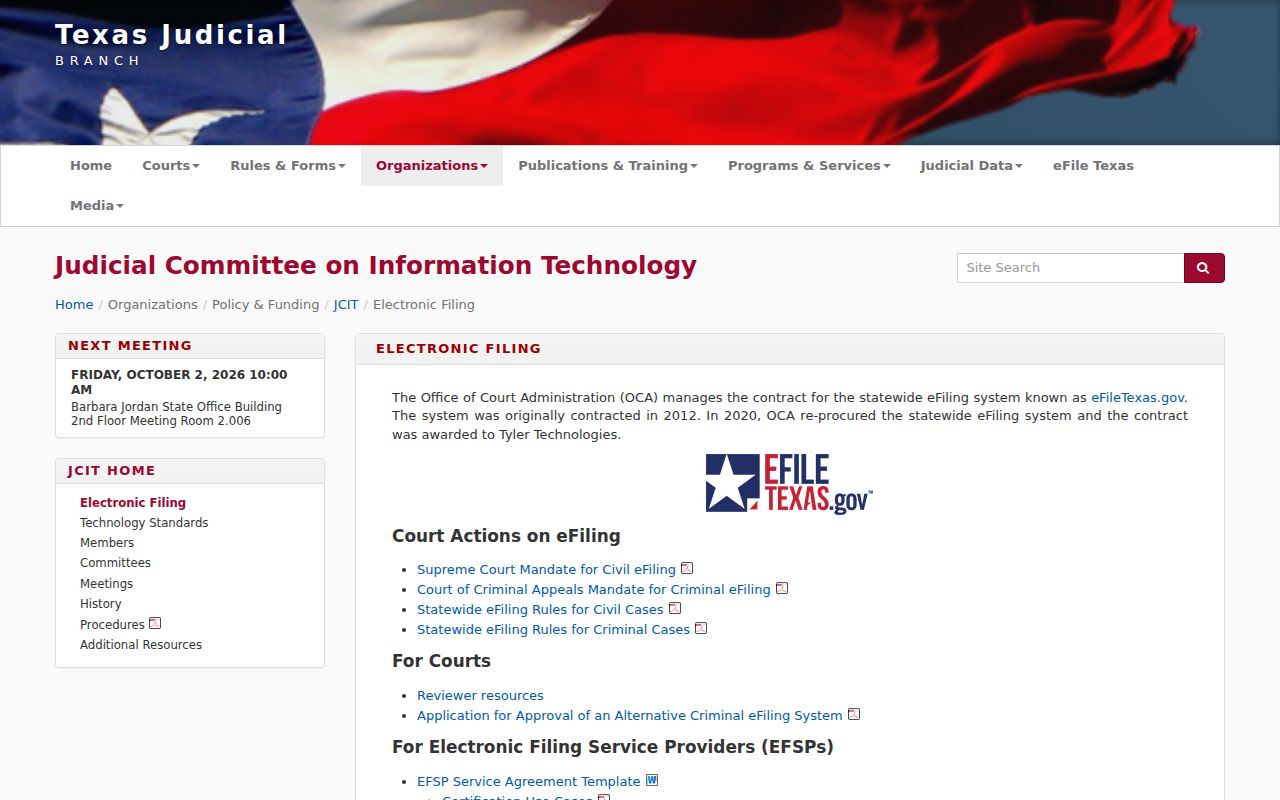
Electronic filing is not a public docket search. An eFileTexas receipt proves a submission step, while the clerk's accepted file and register control the Hutchinson County court record. An item missing from the portal may be restricted, too old, not yet indexed, or held elsewhere.
Inside a Hutchinson County Court Record
The cause number is your best locator. A County Court docket may also list the defendant, attorney, bondsman, file date, charge, setting, judge, and the date and time of an event. Those fields describe a schedule or a case event. They do not replace a signed order or judgment.
| Cause number | The court’s main locator; provide it whenever possible. |
|---|---|
| Docket or register | An index of filings, events, and settings. |
| Pleadings | Petitions, answers, motions, and filed papers. |
| Orders and judgments | Signed rulings and dispositions when entered. |
| Exhibits and returns | Supporting material subject to access limits. |
| Filed stamp | A clerk receipt mark, not proof of the final result. |
Ask for a document by name. Requesting "the whole file" may cost more, while a named judgment gives the clerk a clear target. The Hutchinson County case lookup can help you find it first.
Hutchinson County Mail Request Checklist
Both primary clerks work at 515 S. Main Street in Stinnett. Their mail goes to different boxes. District Clerk mail should be sent to PO Box 580, Stinnett, Texas 79083-0580. County Clerk mail goes to PO Box 1186, Stinnett, Texas 79083-1186. The offices publish no court-copy mail form, return-envelope rule, or payment method. No identification rule or turnaround promise appears either. So call before sending money or original documents. Give the court, the case type, the cause number, and the approximate year. Add the exact record and the copy type. Ask whether mail requests are accepted and what must accompany them. For older Hutchinson County court records, ask whether the file sits in storage.
Hutchinson County District Clerk
515 S. Main Street
PO Box 580, Stinnett, TX 79083-0580
806-878-4017
Hutchinson County Clerk
515 S. Main Street, Suite 211
PO Box 1186, Stinnett, TX 79083-1186
806-878-4002
Fees and Certified Copies
A plain copy just reproduces the public document. A certified copy is different, because the clerk adds a certificate or seal to it. Texas Government Code Section 51.3033 sets the District Clerk baseline for these fees. Hutchinson County posts no separate local County Court copy schedule, so treat these district amounts as District Clerk prices rather than County Clerk prices.
| District Clerk item | Statutory amount |
|---|---|
| Certificate and seal | $5 |
| Paper copy | $1 per page |
| Electronic document | $1 through 10 pages, then $0.10 per page |
| Search without docket number | $5 |
| Abstract of judgment | $8 |
The District Clerk's Certified Payments service handles court costs. It does not guarantee certified copies can be bought there. Confirm the price, payment, and format before you order.
Certified Hutchinson County Record Copies
Certification is more than a download. It is the clerk's authentication of a copy drawn from that office's own file. re:SearchTX may sell a public document, but that purchase does not automatically carry a Hutchinson County clerk's certificate. Tell the office the exact product you need, not a legal conclusion.
- Plain copy
- A reproduction without clerk certification.
- Certified copy
- A reproduction authenticated by the custodian.
- Case search
- Clerk work to locate a file without a docket number.
- Docket snapshot
- An official index that may omit document text.
The offices publish no local exemplification fee, online certified-copy request, or delivery promise. Ask directly which form of certification the office offers.
Sealed Records and Public Access
Texas court records sit outside the usual Texas Public Information Act route. That route covers executive branch files. Access to a case file turns on common law, statutes, court rules, orders, and the clerk who holds it. Rule 12 governs some judicial records. It is no shortcut, though. The rule cannot override the limits that apply to an adjudicative file, and a sealed record stays sealed. The Texas nondisclosure forms page from the state courts lays out the separate nondisclosure process and the forms it requires.
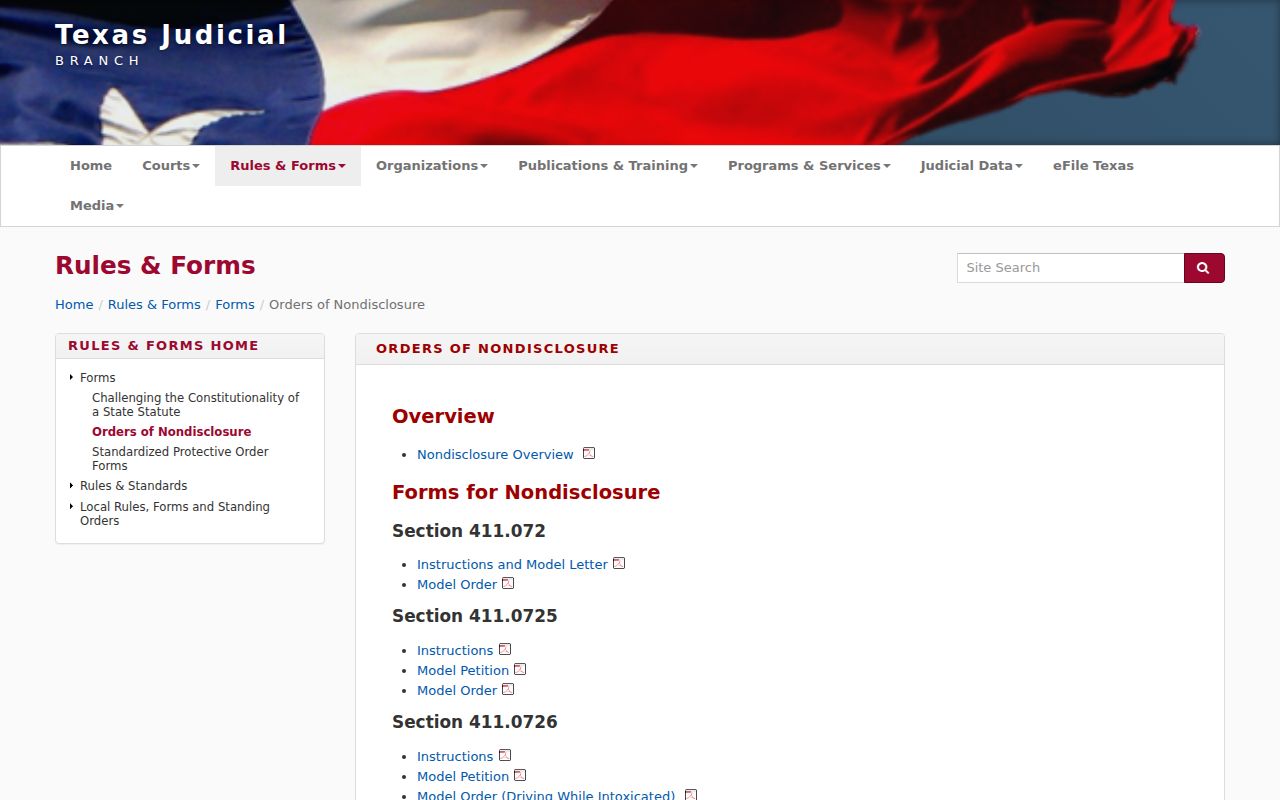
Sealing, expunction, nondisclosure, juvenile limits, redaction, and security flags can each shrink what a Hutchinson County search returns. So an empty result proves little. A record can exist and still be closed to you.
Key Texas access rules:
Government Code §552.0035 places judiciary access under court rules and other law.
Rule 12 governs covered judicial records and exemptions.
Government Code §51.3033 sets District Clerk charges.
Local Government Code Chapter 118 addresses County Clerk records and fees.
Restricted Hutchinson County Filed Documents
When a filing comes back restricted, ask the clerk two things. Does a redacted public copy exist? Does seeing the full version require an order? The clerk can explain a record's status and how to request access. The office cannot rule on legal eligibility. OCA reviews some Rule 12 denials. It cannot review a denial of an adjudicative case record. That door closes at the court. Sometimes sensitive identifiers hide an electronic filing while the case index stays public. Role-based access adds another wrinkle. It may show a party or attorney a version the general public never sees. Juvenile material, sealed papers, judicial work product, and security information can each carry their own limits. Hand the clerk the case key. Then ask whether the item is public, redacted, restricted, or simply outside portal coverage. For state program context, the Texas specialty courts overview describes how those programs fit within the court system.
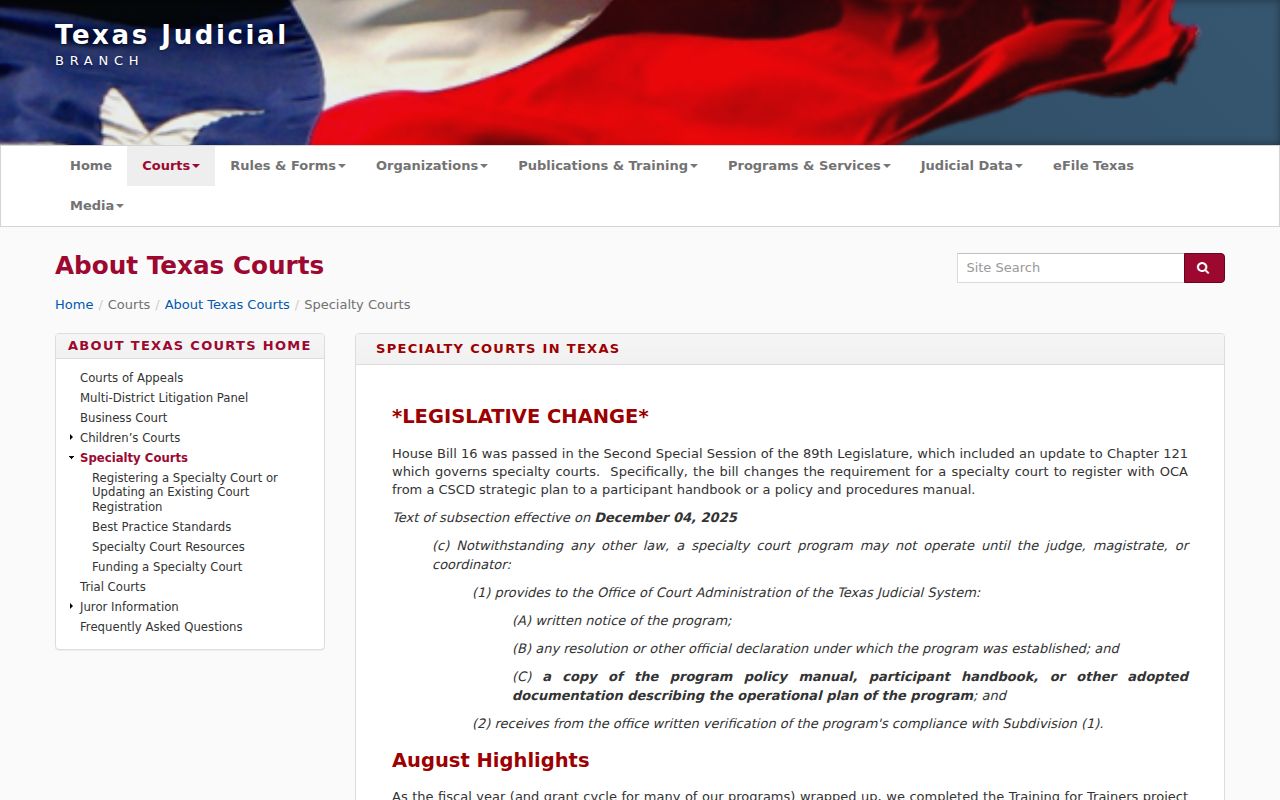
A program's existence does not open every participant file. In Hutchinson County, access still turns on four things. The case, the filing, your role, and any order in force all matter. Use the cause number and a precise document name. If the portal lists only an event, ask the clerk whether the paper behind it can be inspected or copied. That narrow request respects the boundary and gives staff enough detail to answer. The County Clerk states this plainly. The office cannot give legal advice. It also has no duty to run an open-ended search. For an older file, supply the approximate year. Give the party names as they appear in the case. For a recent one, give the filing date or event name. When the page count is unknown, ask about inspection first, then pick a plain or certified copy.
Older Hutchinson County Court Records
No official Hutchinson County source answers the big questions. How far do the online records reach? Where do archives live? What microfilm does the office hold for older case files? That silence makes the clerk your main route. Give the approximate year first. Include the court and the case type. Add the party names as filed and any cause number printed on an old paper. Ask one more thing. Does the file still sit at the office? Has it moved to an archive, or does it need advance retrieval? Do not write off an old record just because Odyssey or re:SearchTX returns nothing. Portal coverage, indexing, and public document access are three separate questions. Ask the owning Hutchinson County clerk whether a docket sheet can be inspected first and whether the named order or judgment can be copied. Confirm the current fee and delivery process before mailing a request.